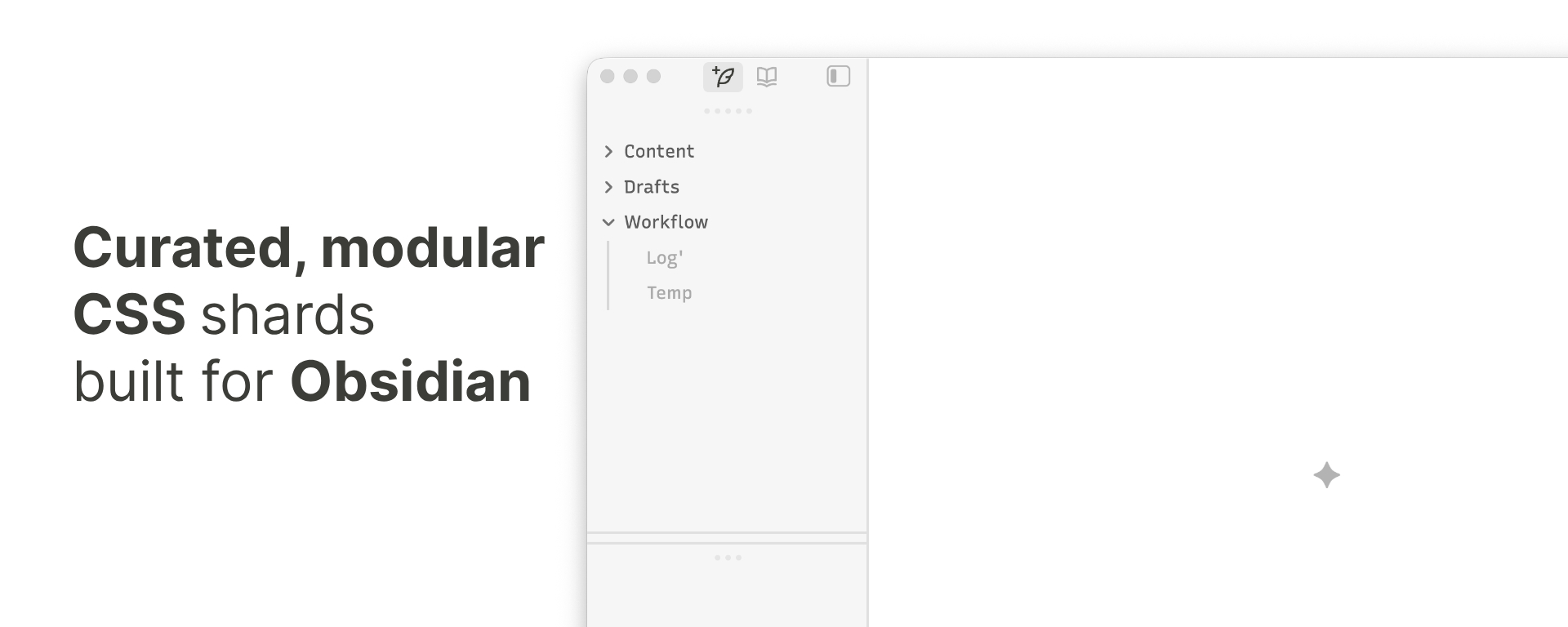
Built with SCSS, each "shard fragment" is a modular component designed to enhance specific UI elements, optimizing the interface for productivity and visual clarity.
Consider using Recursive Sans Linear, which complements the design and enhances readability.
Features
Keyboard-driven, hotkey-first — Command Palette and Omnisearch, always. Each component is styled to support that flow.
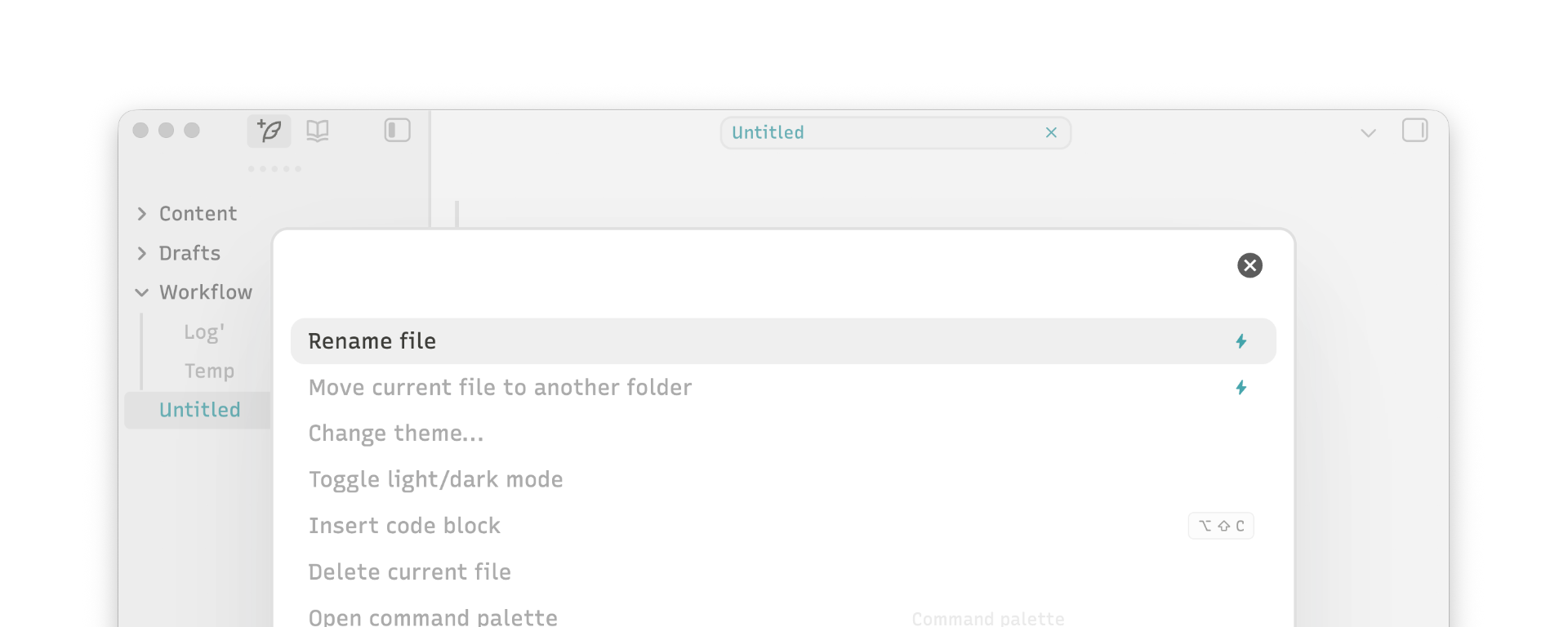
Command Palette
Focused navigation with reduced visual noise and custom SVG icons for pinned commands.
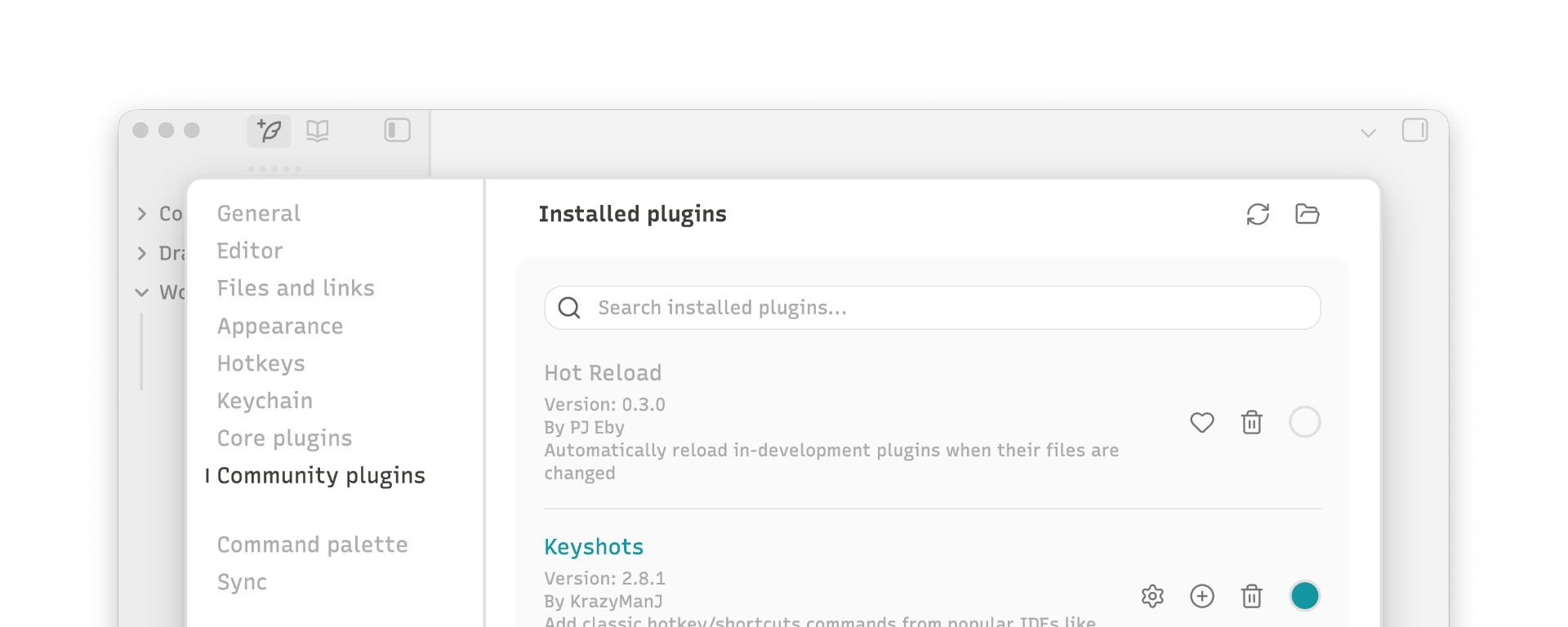
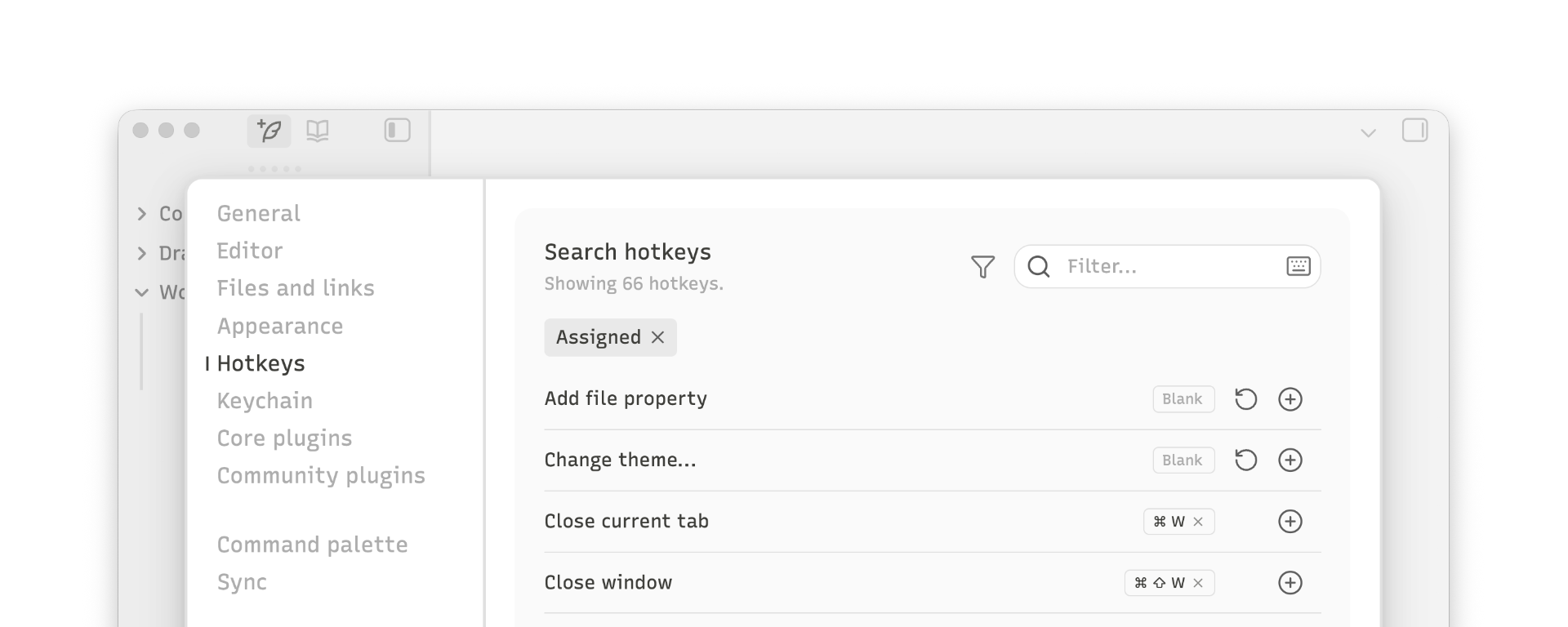
Settings
Streamlined vertical nav, external plugin highlights, and a hotkeys panel with custom sort order.
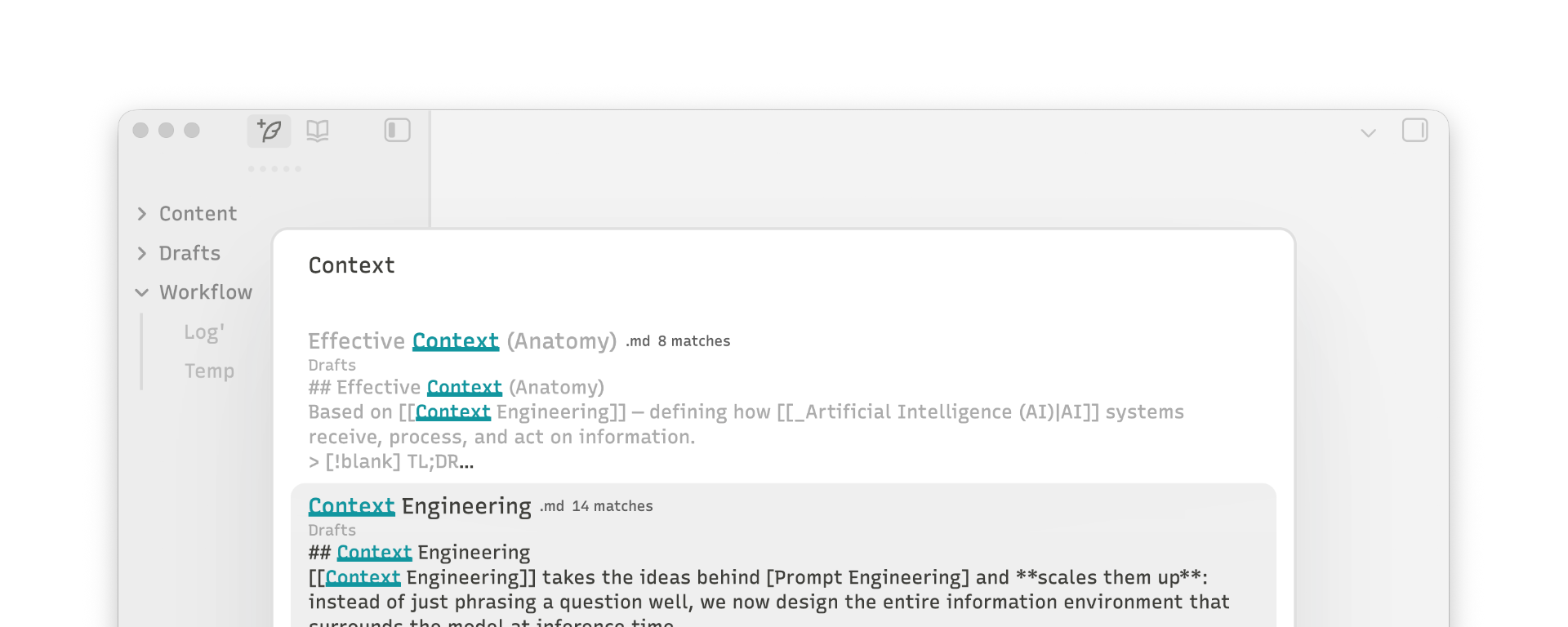
Plugin: Omnisearch
Full-vault search with reduced visual noise and focused results.
Enhancements
Additional refinements applied across the interface:
- Core UI: hides unnecessary elements and replaces default icons with custom SVGs
- New Tab: redesigned empty state
- Editor: active line indicator and playful animated bullet/checkbox transitions
- Links: Unicode symbols on external links · subtle opacity on internal links
Development
Built with SCSS. Modules in src/, compiled output in dist/.
Each shard is a separate module - comment out unwanted @use statements in the main SCSS file to exclude specific features from compilation.
Quick Start
- Run
npm install && npm run buildto compile. - Copy
dist/shard-fragments.cssto.obsidian/snippets/.
Continuous Build
- Use
npm run watchfor live recompilation.
Credits
This repository includes snippets and inspirations from various sources. Arigato (ありがとう) to:
License
Built for personal use only, from MIT-licensed sources (see Credits). Not intended for, and will not be submitted to, the Obsidian store.
How to Install
- Download the repository ZIP below
- Unzip it and find the CSS snippet file
- Move the CSS file into your vault's
.obsidian/snippets/folder - Open Obsidian → Settings → Appearance → CSS Snippets → Enable it
Stats
Stars
1
Forks
0
Last updated 25d ago
Categories